

Features · Quality
Every slab has a trail.
Quality checks, concerns and fixes with photos — and nothing counts as done until the right person signs it off.
Quality checks
Check, flag, fix, close — against the exact flat.
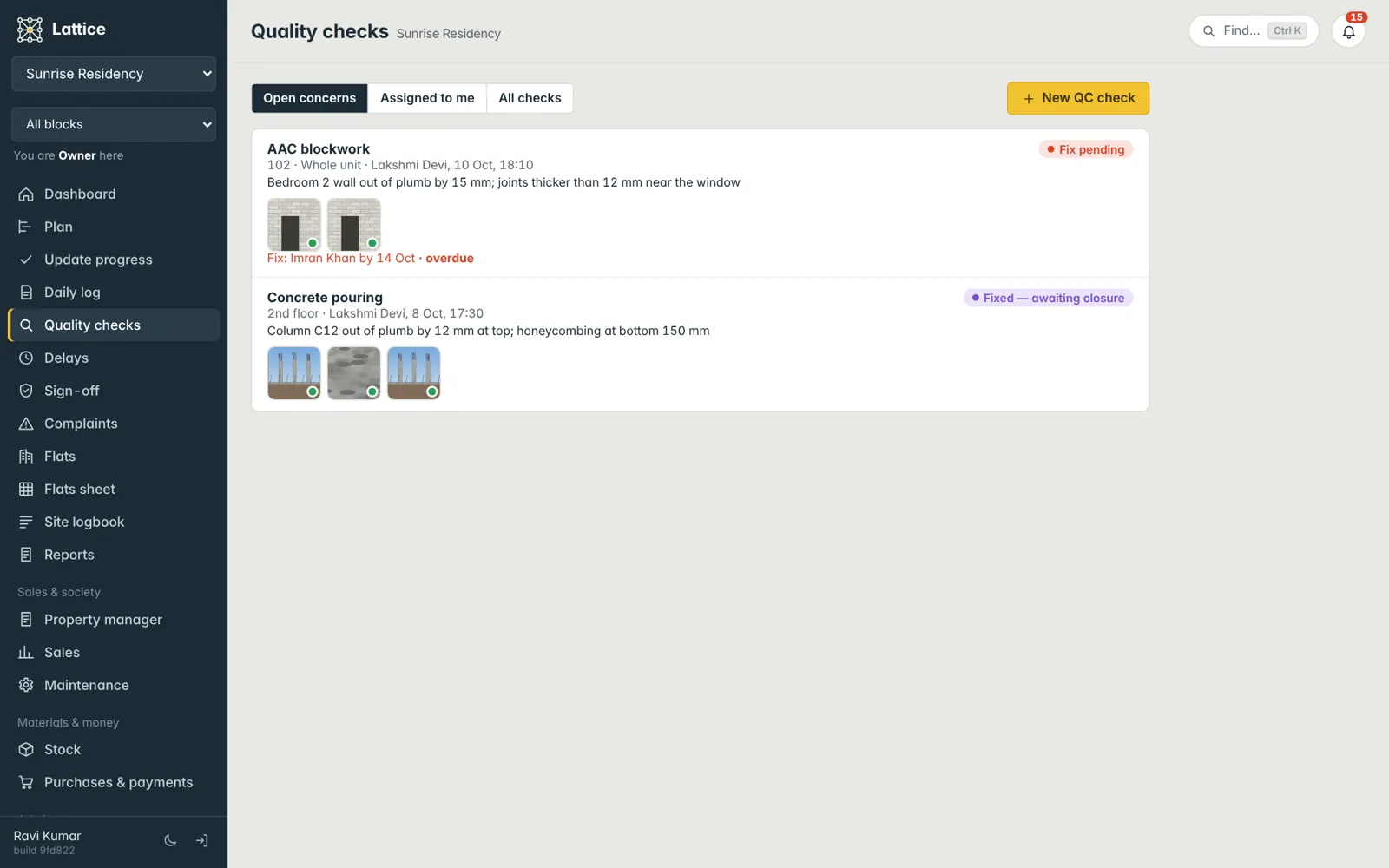
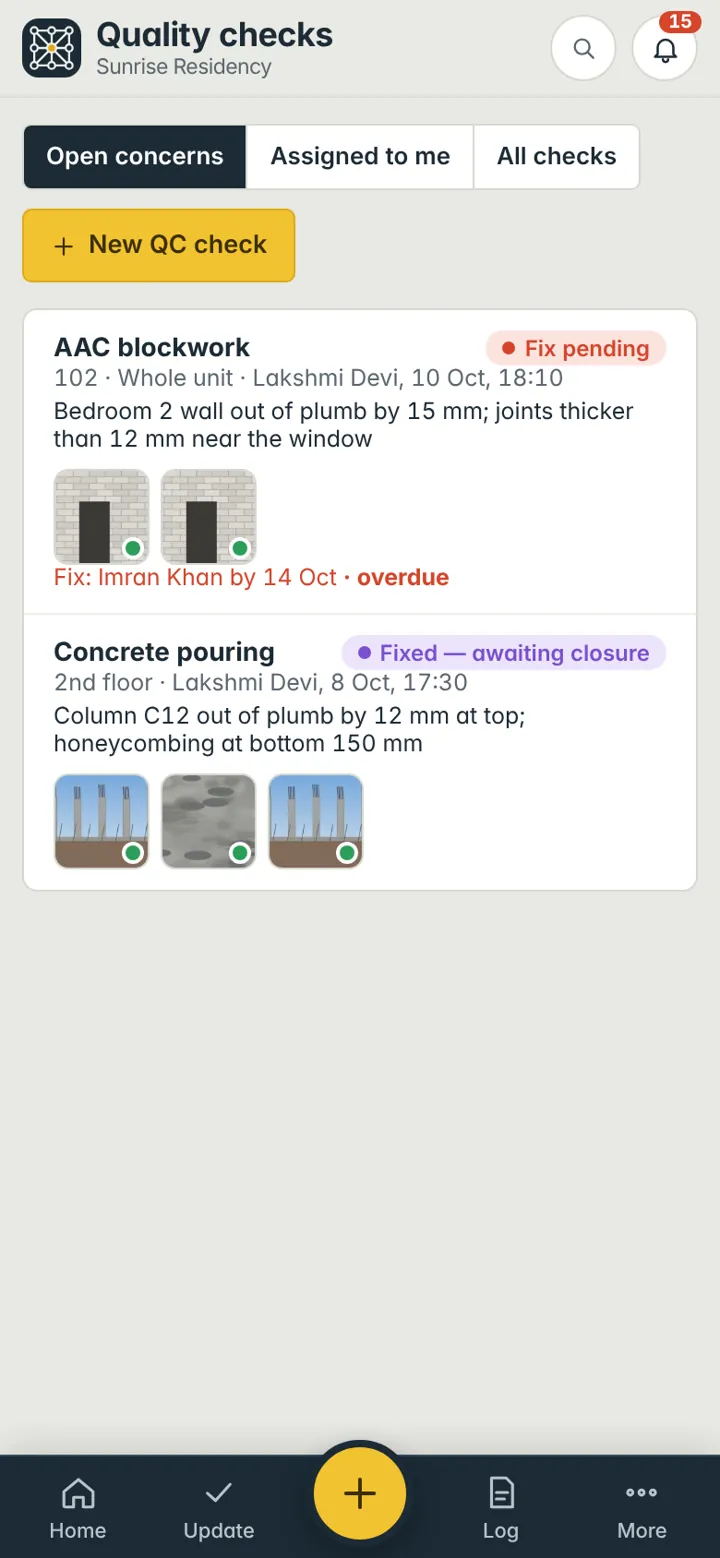
Record a check on any task and location. If something is wrong, raise a concern with photos and assign it; the person fixing it adds rectification photos; QC closes it. Open concerns and “assigned to me” are one tap away.
- Your own checklists and stage names
- Photos at each step: concern, fix, closure
- Overdue concerns stand out on the dashboard
- QC & remarks report as a PDF
Sign-off
Done means done when an engineer says so.
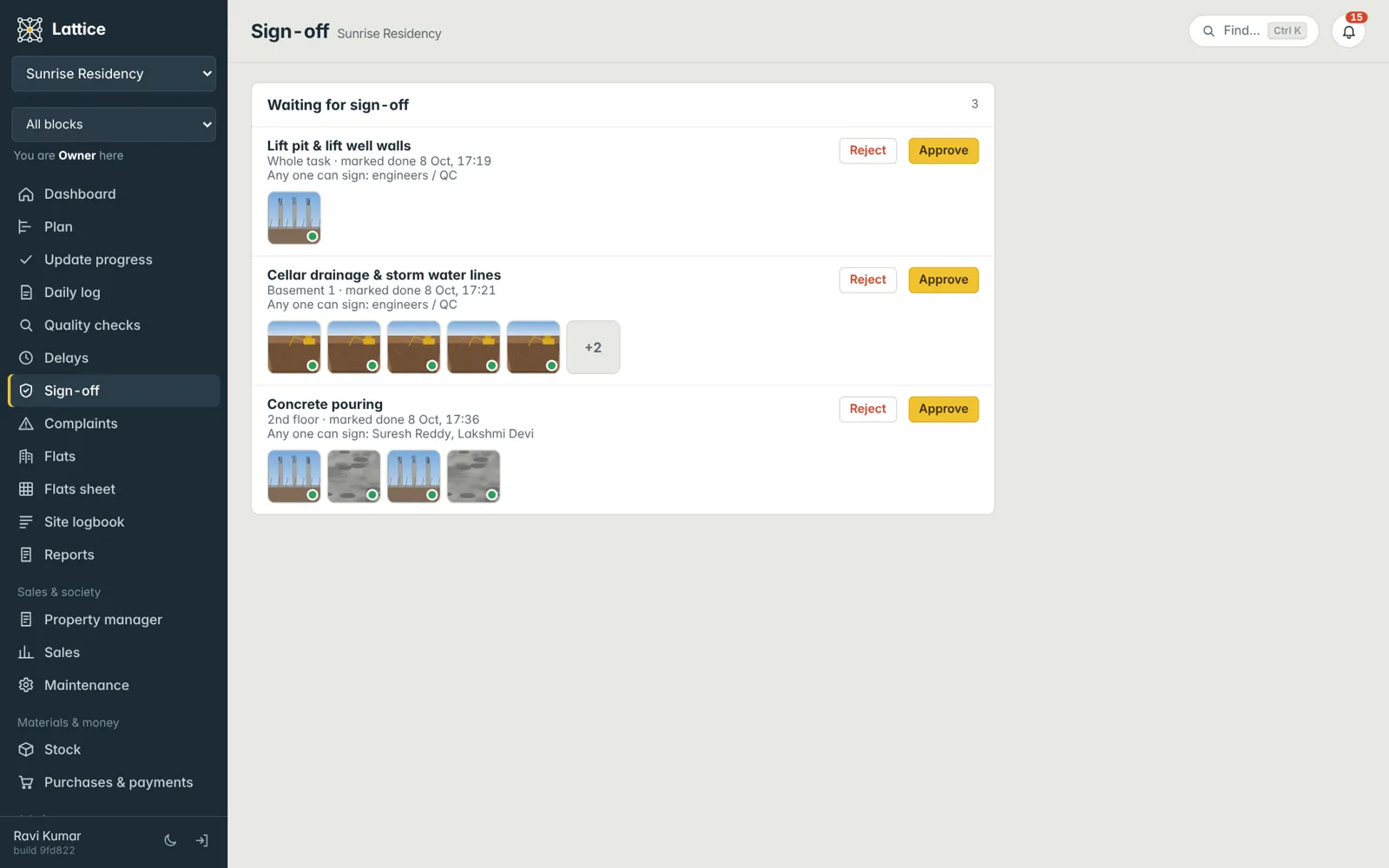
Decide, per person and per project, who can mark work done and who must verify it. Work marked done waits under Sign-off with its photos; approving it makes it count on the plan and the flats sheet, rejecting it sends it back with a note.
Complaints
From a cracked tile to a neighbour’s leak — tracked to closure.
Log a complaint against the building, a floor or a flat, from inside or from a customer. Give it a category, priority, owner and due date; it moves from open to fixed to closed with the resolution and photos. Residents’ complaints after handover live in Maintenance, and can become a repair issue in one tap.
See it on your own project.
A walkthrough with your blocks, your schedule and your team’s roles — straight from the founder of Konkat, no sales desk in between.